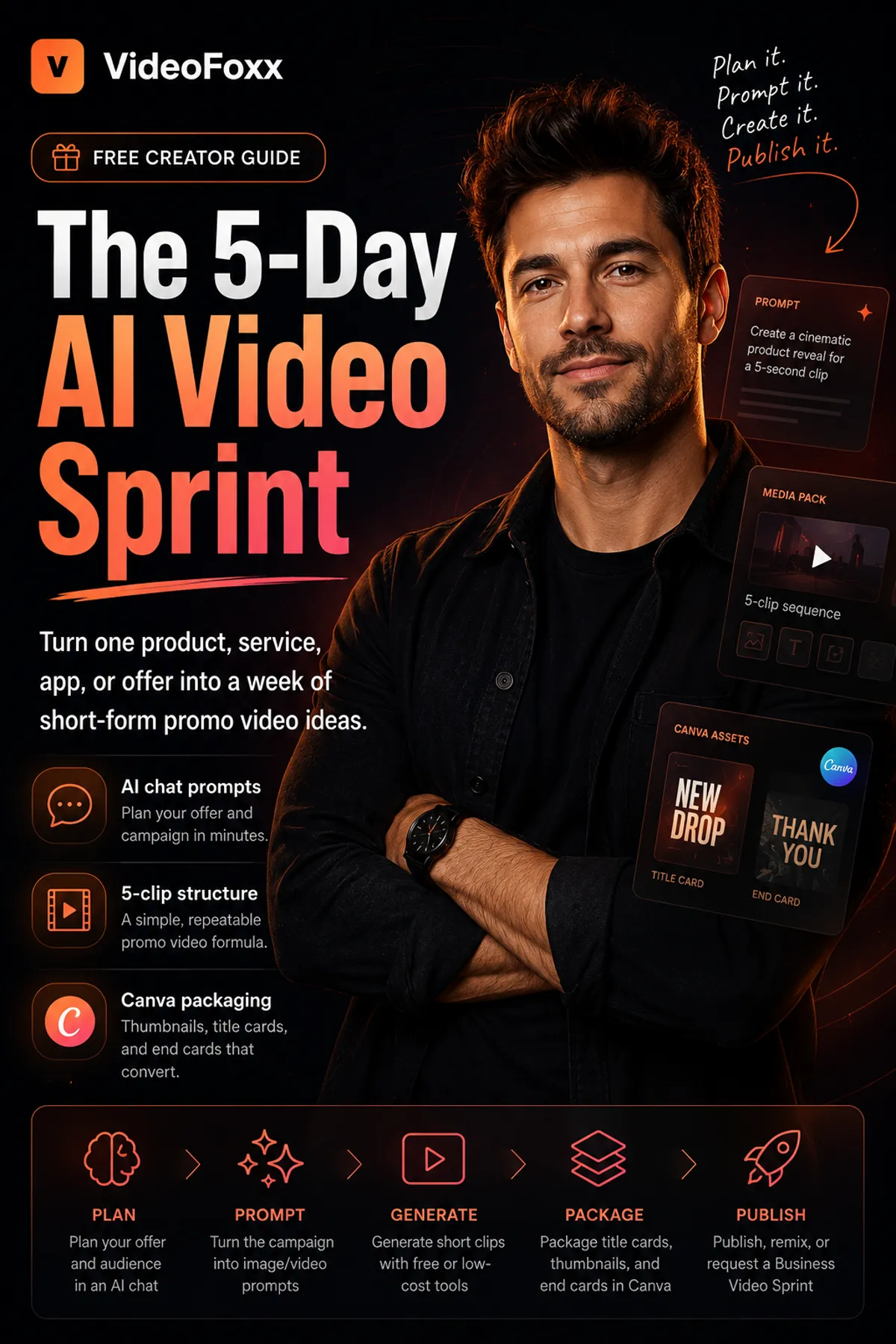
Free guide

The 5-Day AI Video Sprint

Turn one product, service, app, or offer into a week of short-form promo video ideas using ChatGPT, free image-to-video tools, and Canva.

Learn the workflow before spending money on AI video tools. As of May 2026, tool limits change often, so the guide focuses on a durable process using free or low-cost AI video tools and free daily credits where available.

AI chat planningImage-to-video promptsCanva handoff assets
Lead magnet

Get the free playbook

After preparing your request, you can download the playbook instantly.

Workflow strip

Plan, prompt, generate, package, publish.

Plan

Plan your offer and audience in an AI chat

Prompt

Turn the campaign into image/video prompts

Generate

Generate short clips with free or low-cost tools

Package

Package title cards, thumbnails, and end cards in Canva

Publish

Publish, remix, or request a Business Video Sprint

5-day sprint preview

A concrete week of promo angles.

Day 1

Problem hook

Open with the pain, moment, or missed opportunity your audience already recognizes.

Day 2

Product reveal

Show the offer clearly and give the viewer one reason to care.

Day 3

Use case

Frame a practical scenario where the product, service, app, or offer fits.

Day 4

Benefit/proof

Bring in a specific outcome, proof point, before/after, or customer-facing benefit.

Day 5

CTA/end card

Close with a simple next step and a reusable Canva end card.

Who it is for

Built for practical campaign builders

  • Founders turning a product, app, or service into launch content
  • Creators and consultants who need a repeatable short-form workflow
  • Agencies building quick campaign directions for clients
  • Small businesses testing video before paying for a full sprint
Inside the guide

What you will learn

  • How to turn a rough offer into a short-form campaign concept
  • How to use ChatGPT, Gemini, DeepSeek, or another AI chat as your campaign brain
  • How to create a 5-clip weekly promo structure
  • How to write better prompts for image-to-video tools
  • How to use Canva for thumbnails, title cards, and end cards
  • How to decide when to DIY and when to request help
DIY first, help when useful

Use the guide yourself, then bring VideoFoxx in when you want assets packaged.

The playbook helps you plan a simple campaign in an AI chat, generate short clips with free or low-cost video tools, and assemble thumbnail, title card, and end card assets in Canva.

Request a Business Video Sprint